






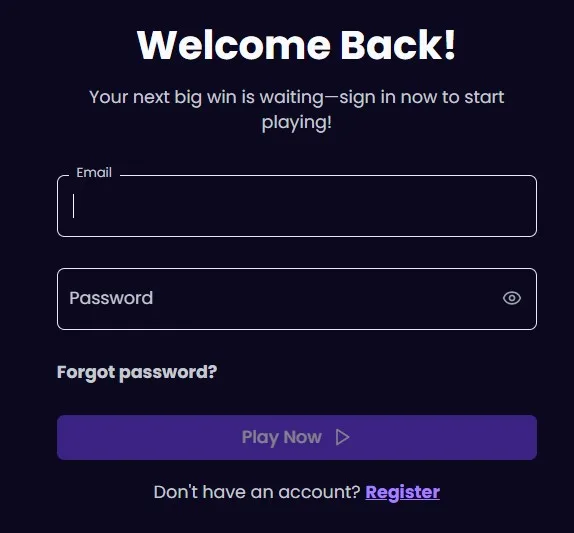
Our 24/7 live chat helps you when you cannot access your Lunaris account. Use the sign-in controls on our platform, then contact us if access does not complete.
How to sign in to Lunaris
We keep account access available through our official platform. On a browser on desktop and mobile, use the login control and sign in with your registered credentials.
1. Open the official Lunaris site. 2. Select the login control. 3. Enter your registered credentials. 4. Continue to your account.
Use the details linked to your account and check them carefully before trying again.
Recovering Lunaris account access
We provide a “Forgot password” recovery option in the login area. Select it when you cannot remember your password and follow the available recovery steps.
Our 24/7 live chat can help with account-access issues. You can also call us on 1-888-606-4017 for assistance with recovering access.
Why sign-in can fail
Lunaris may not complete a sign-in when your credentials are incorrect or your email remains unverified. Recheck the details you entered and complete any requested email verification.
If access still fails, contact our support team rather than repeatedly attempting to sign in. Once you regain access, you can continue to Lunaris Bonuses from your account.
Account security
We protect your account when you use only the official Lunaris site for sign-in. Never share your password, recovery details, or account access with anyone else. Our team will help you with access issues through the official support channels.